Leave the plastic at home
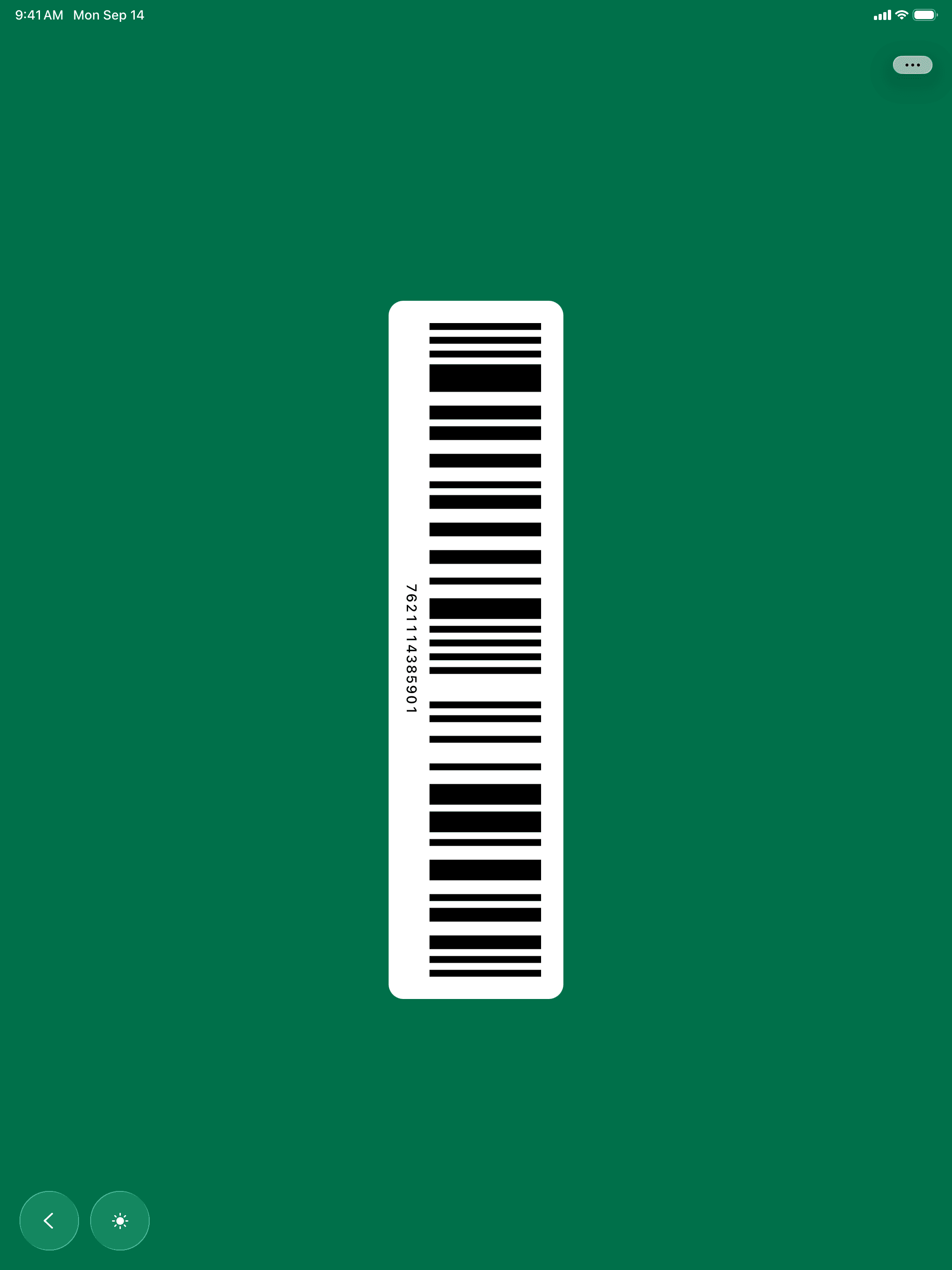
Scan a loyalty card once and it lives on your phone. At the till the screen brightens by itself, so the scanner reads the barcode the first time.
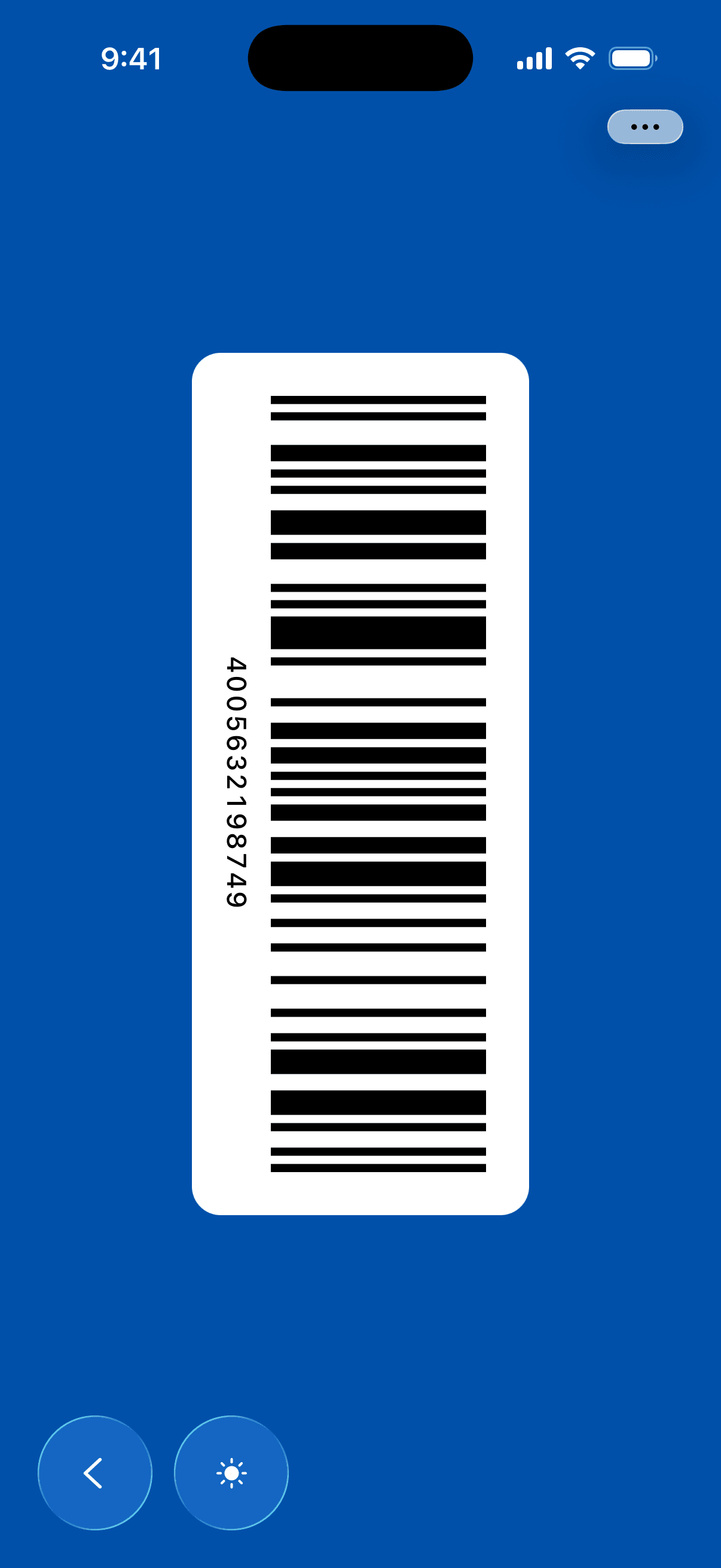
Point the camera
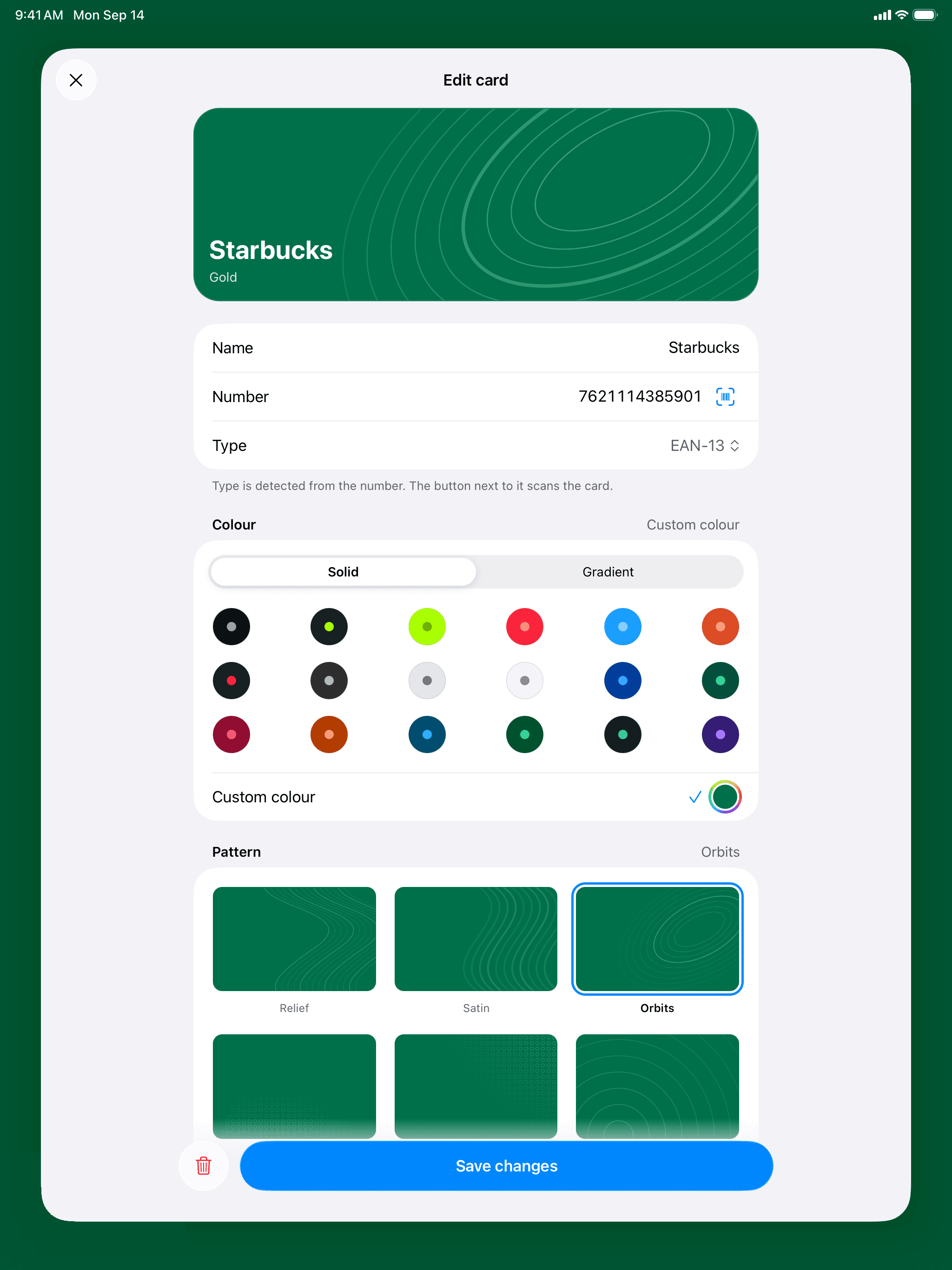
Thirteen formats are recognised on their own, from EAN and UPC to QR, Code 128 and PDF417. If the code on the plastic is worn out, type the number instead and the format is worked out from the digits.
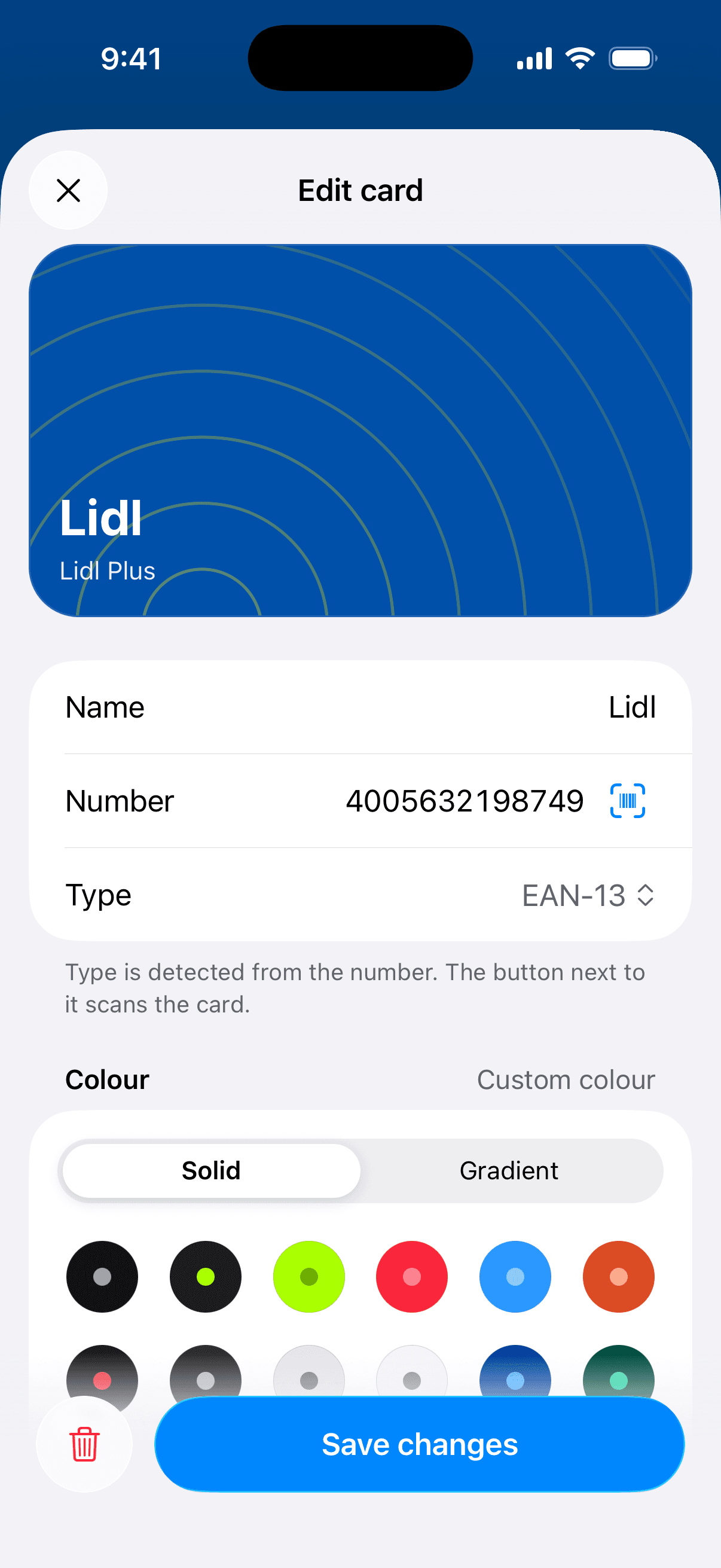
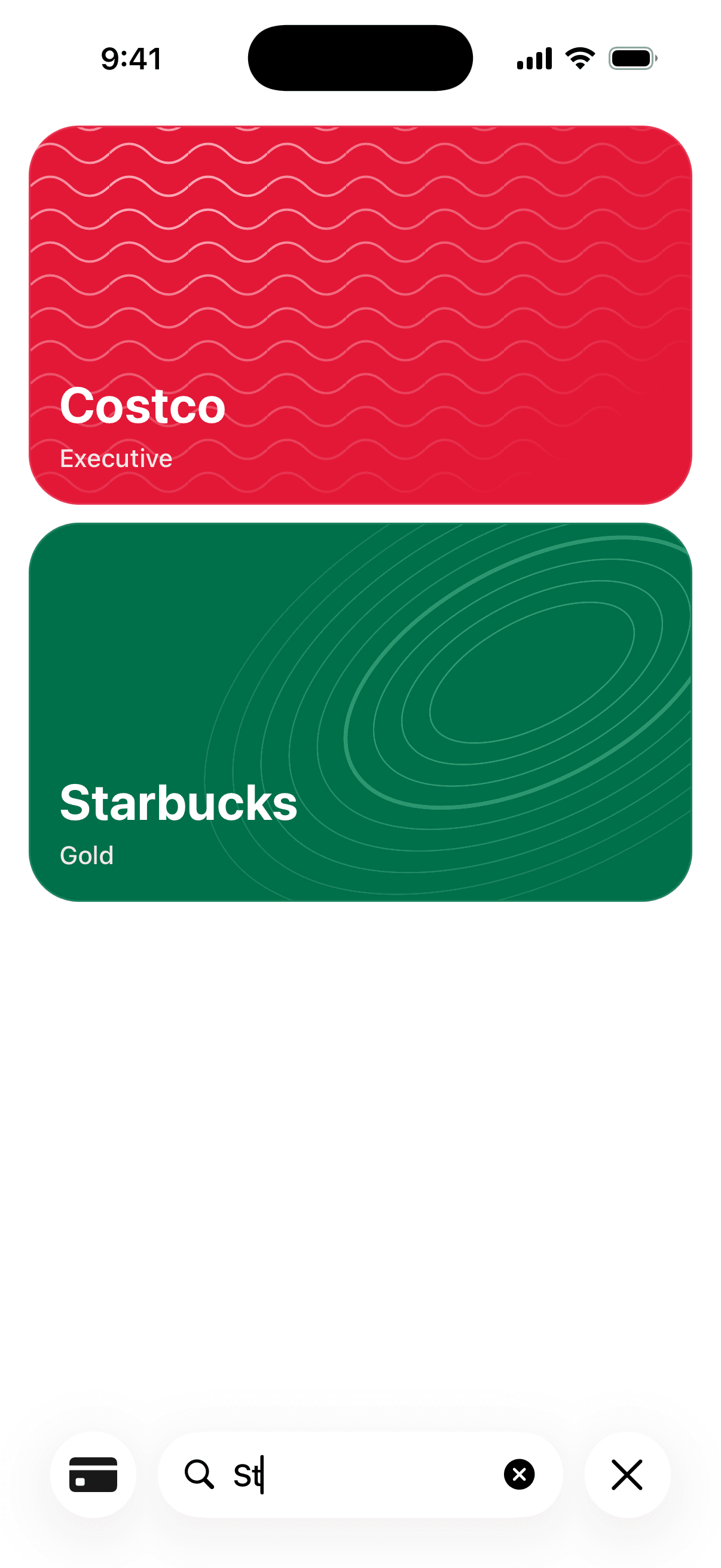
Make it look like the card
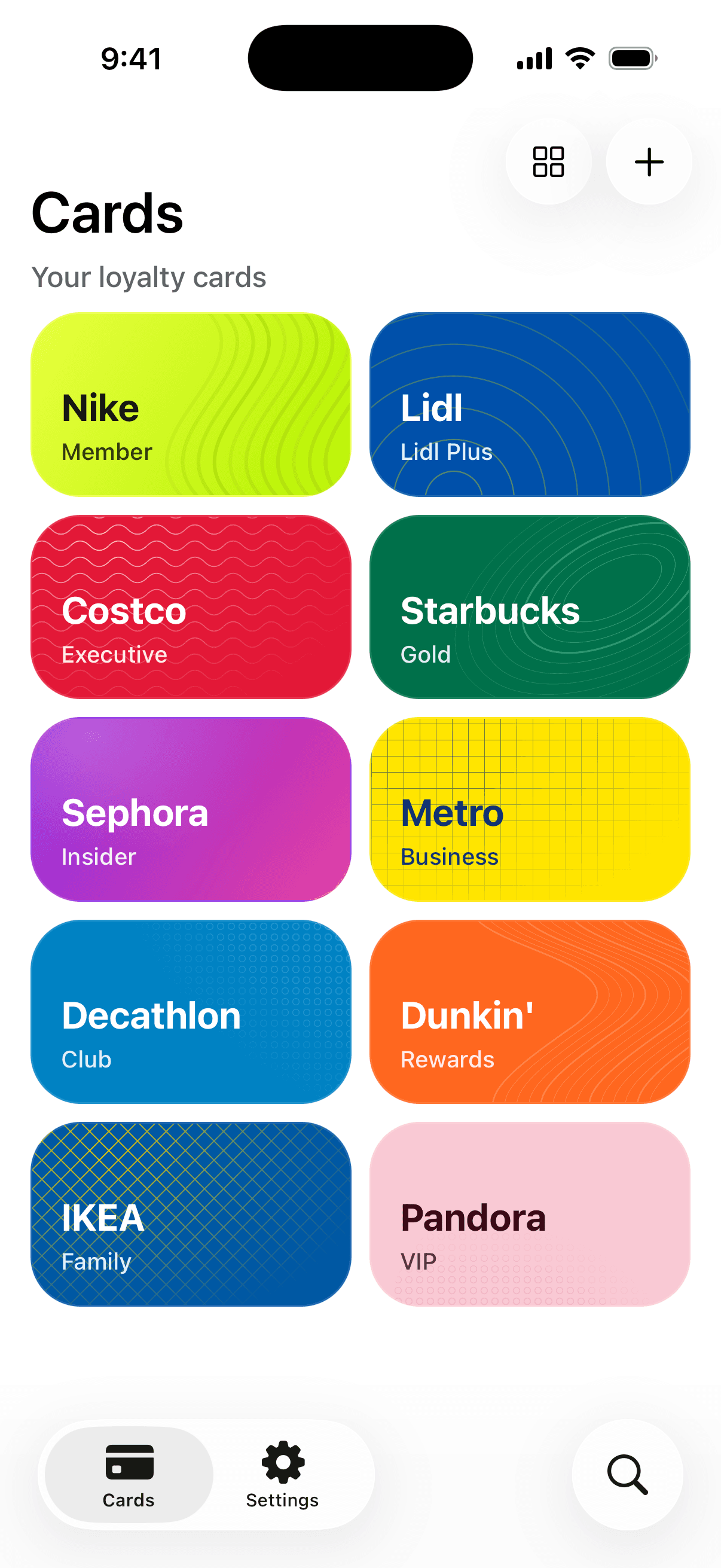
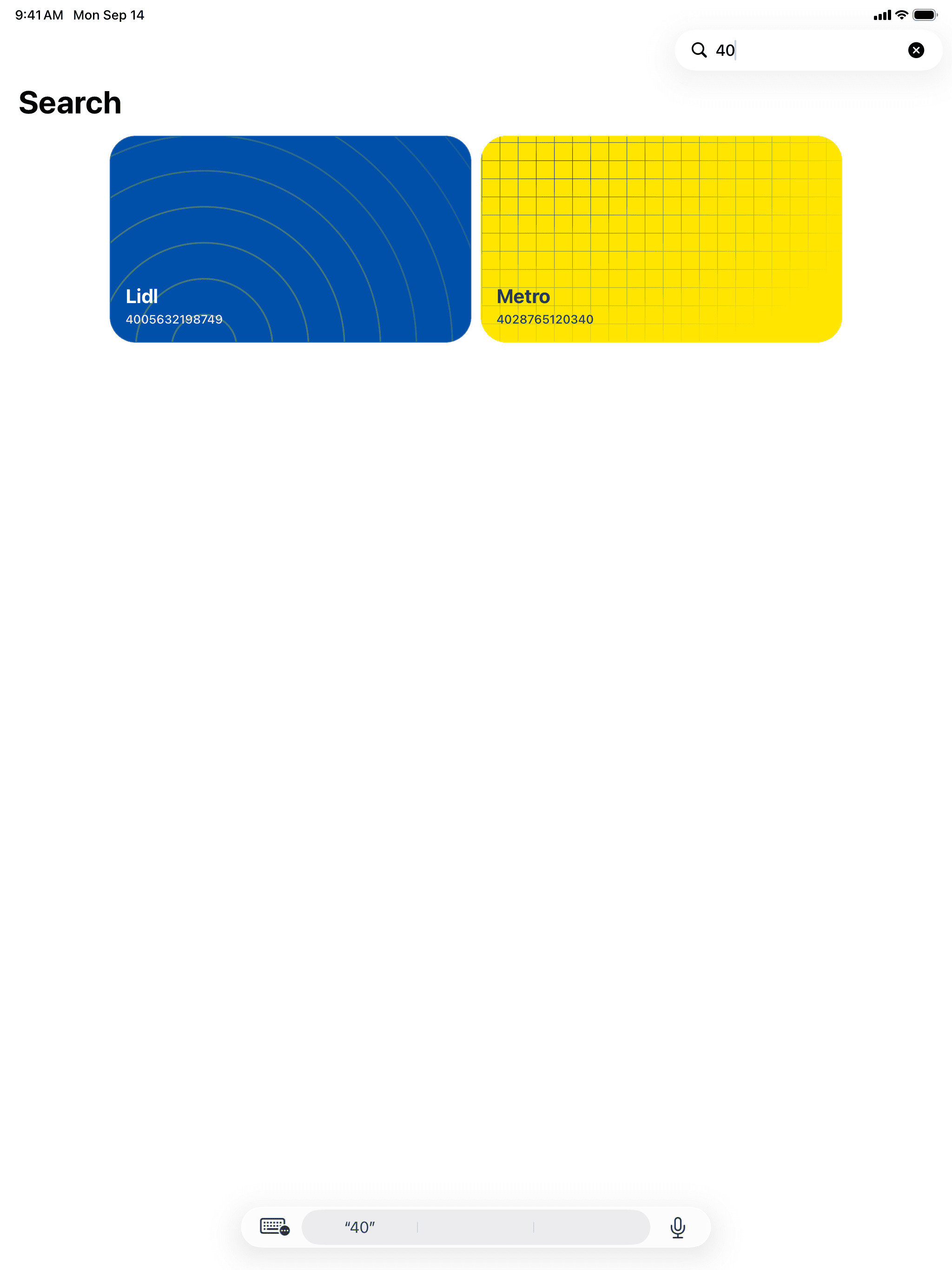
Eighteen colours, eleven gradients, any colour of your own and eleven patterns. The lettering follows the background, so the name stays readable on every one of them.
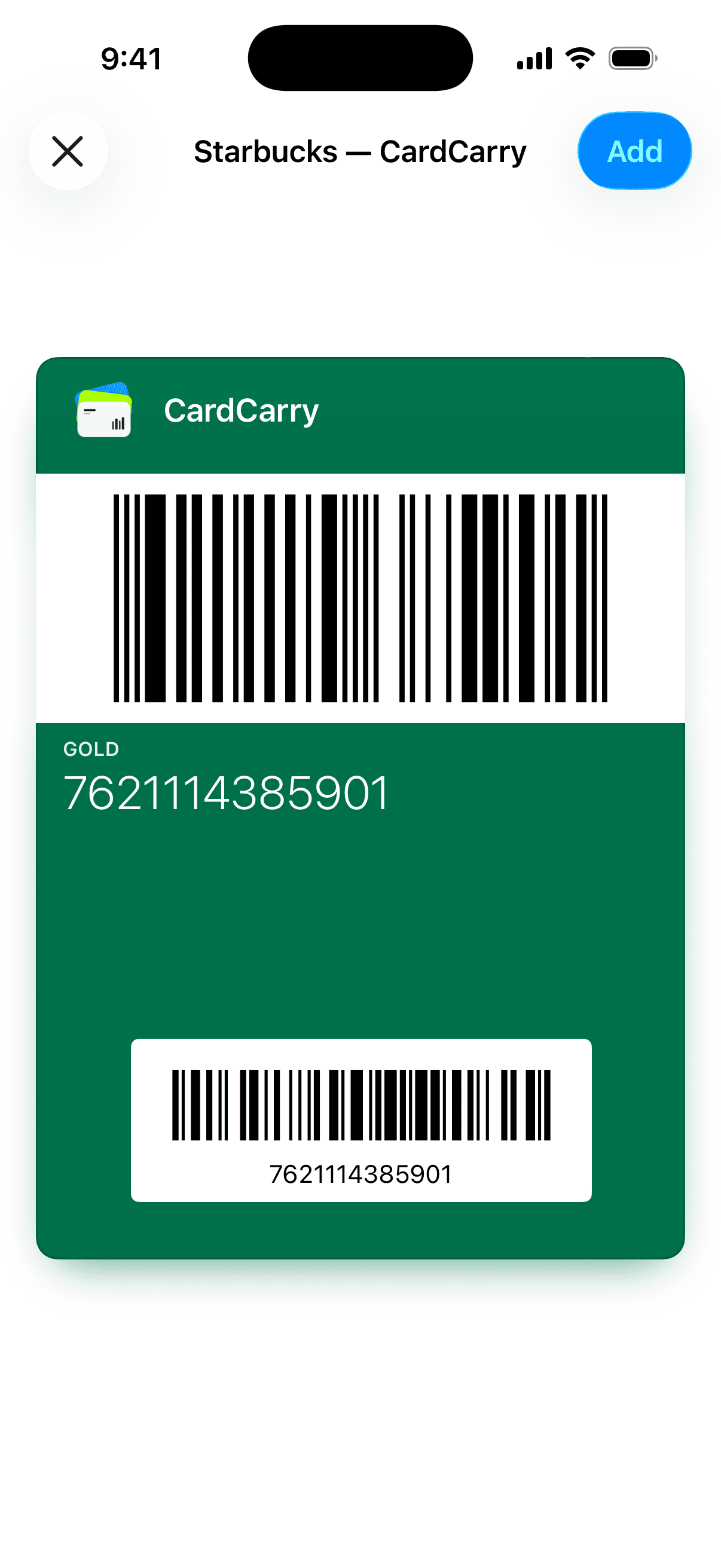
Keep it in Apple Wallet
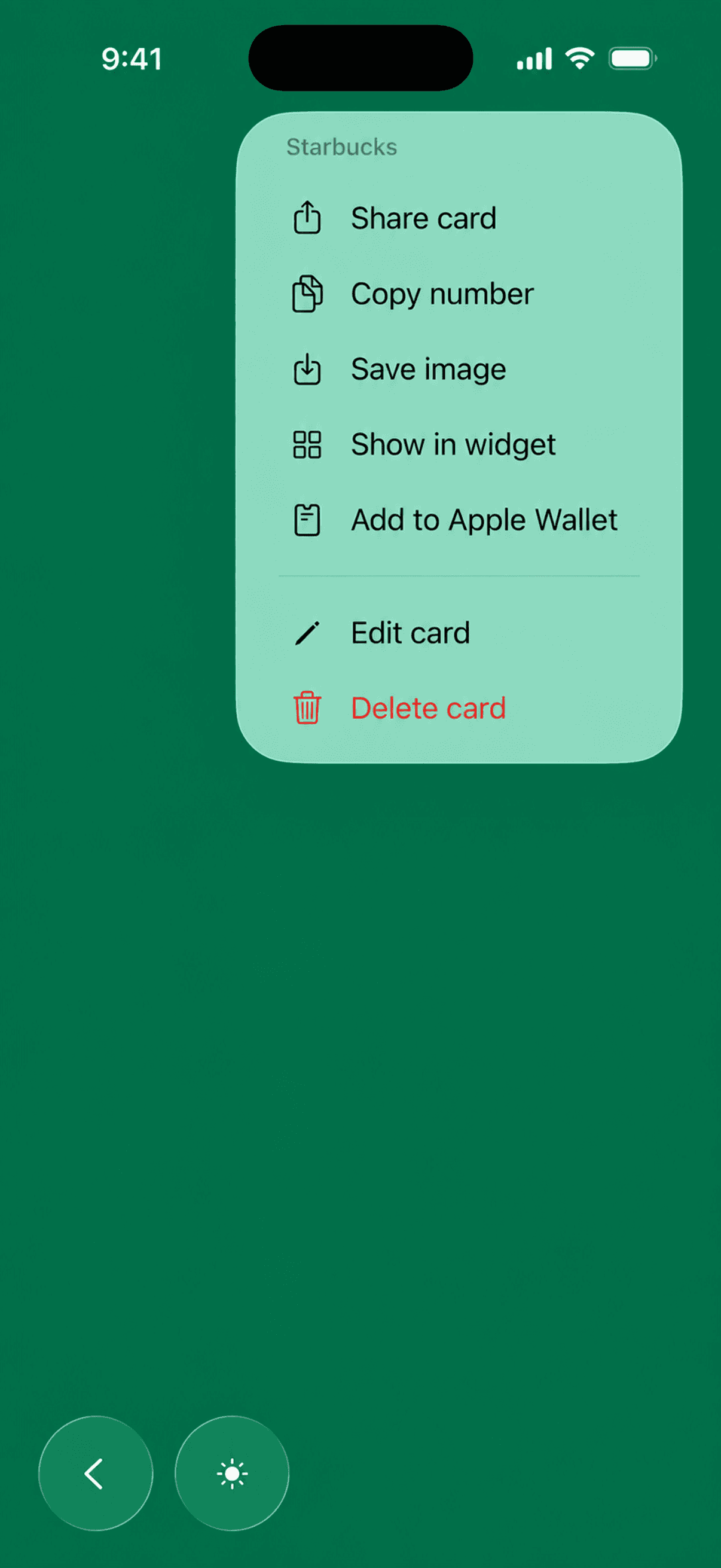
Add any card to Wallet in a couple of taps.
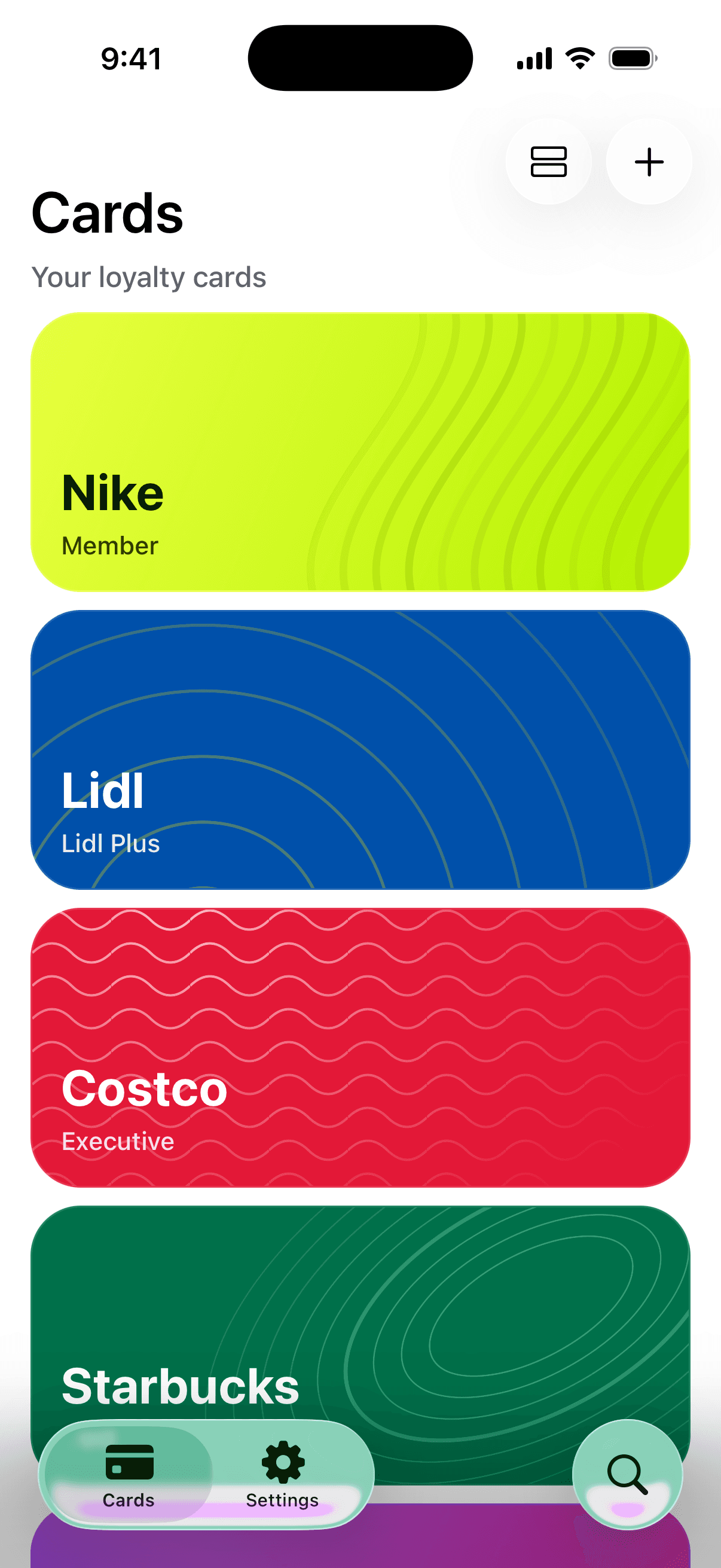
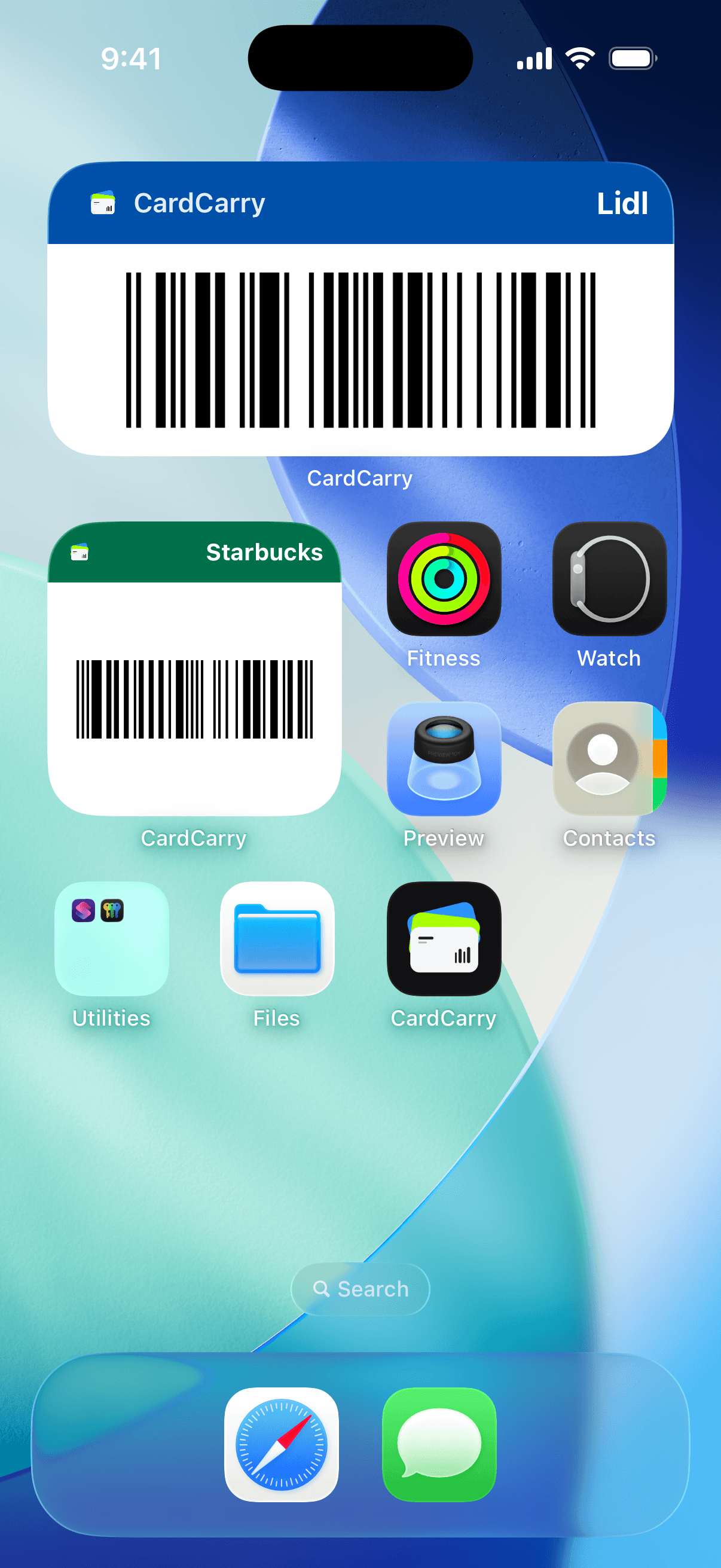
Put it on the Home Screen
Keep a card on the Home Screen or the Lock Screen.
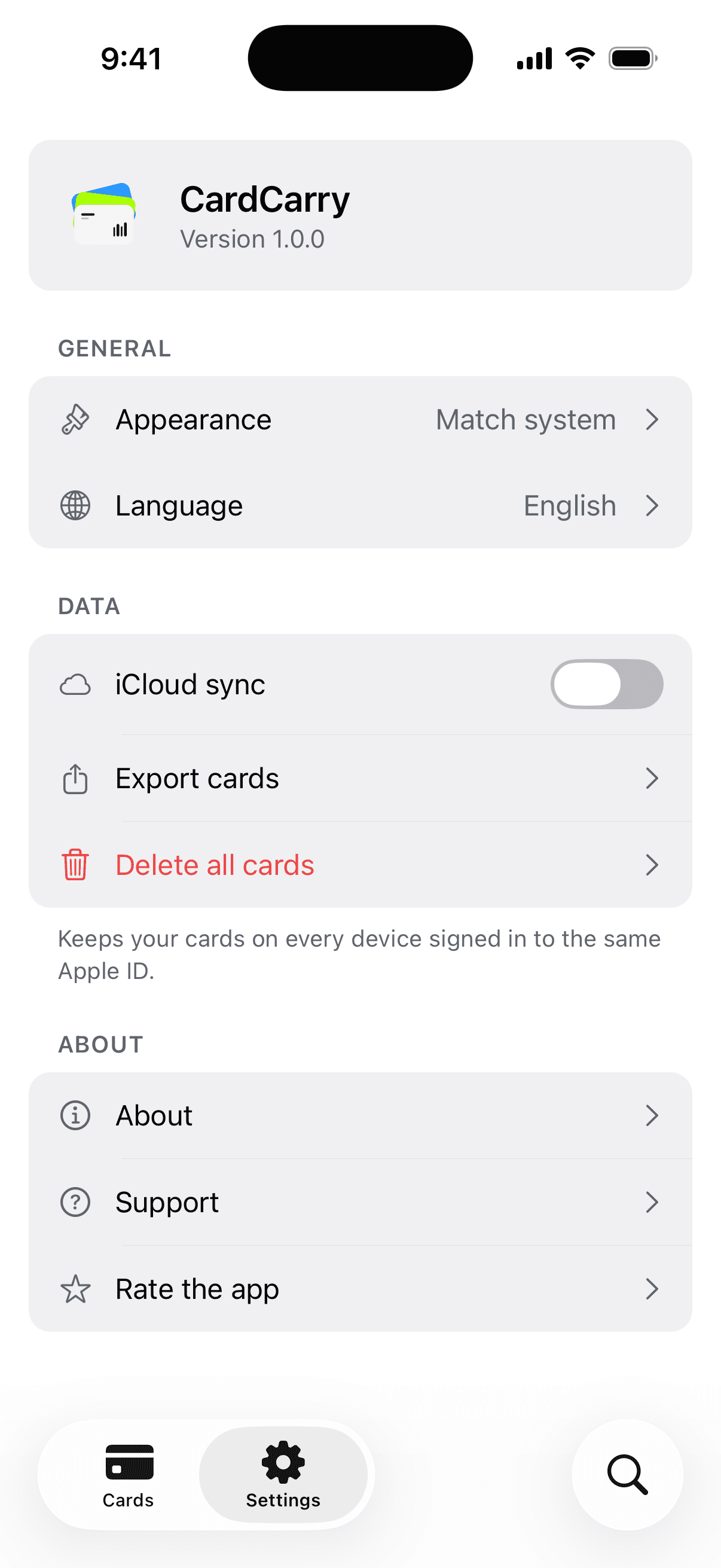
Change phones, keep your cards
Optional. Your cards follow your Apple ID, and a new device offers to restore them.
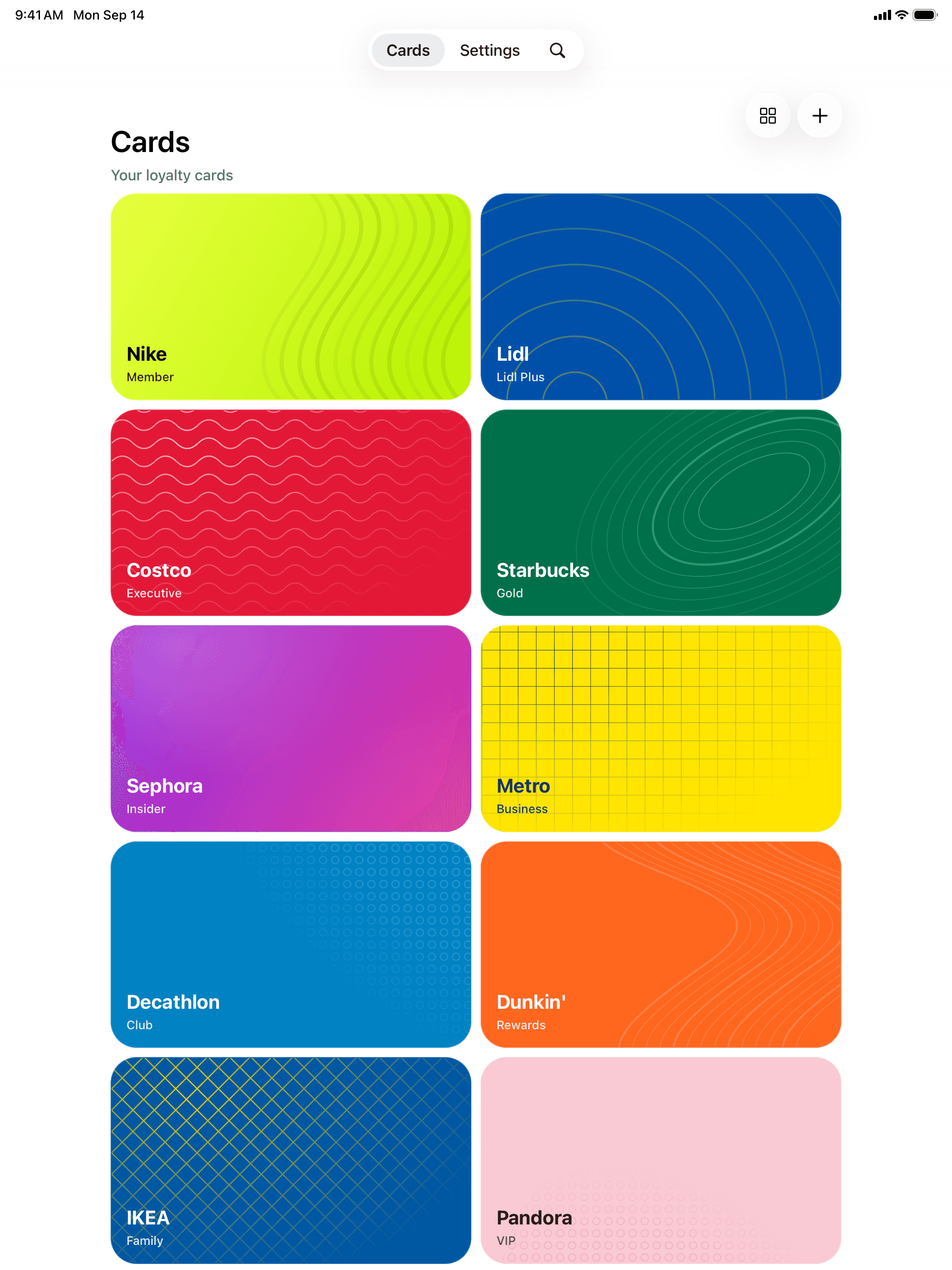
On iPhone and iPad
Also in the app
- Share a card
- Send a card with its barcode, number and a link that opens it in CardCarry.
- Export
- Save every card to a file whenever you like.
- Seven languages
- English, Ukrainian, Polish, Spanish, German, French and Japanese.
- Light and dark
- Follows the system, or pick one yourself.
Your cards stay yours
Cards are kept on your device, with no accounts, analytics or ads. iCloud sync stays off until you turn it on, and a card reaches our server only when you add it to Apple Wallet — to be signed, not stored. Privacy policy
This code is real. Point a camera at it and the digits come back, just like a card at the till.